
Private Servers in Dont Wake the Kitty
Rent a VIP server, lock the door, and practice without five strangers waking every Melody on the map.
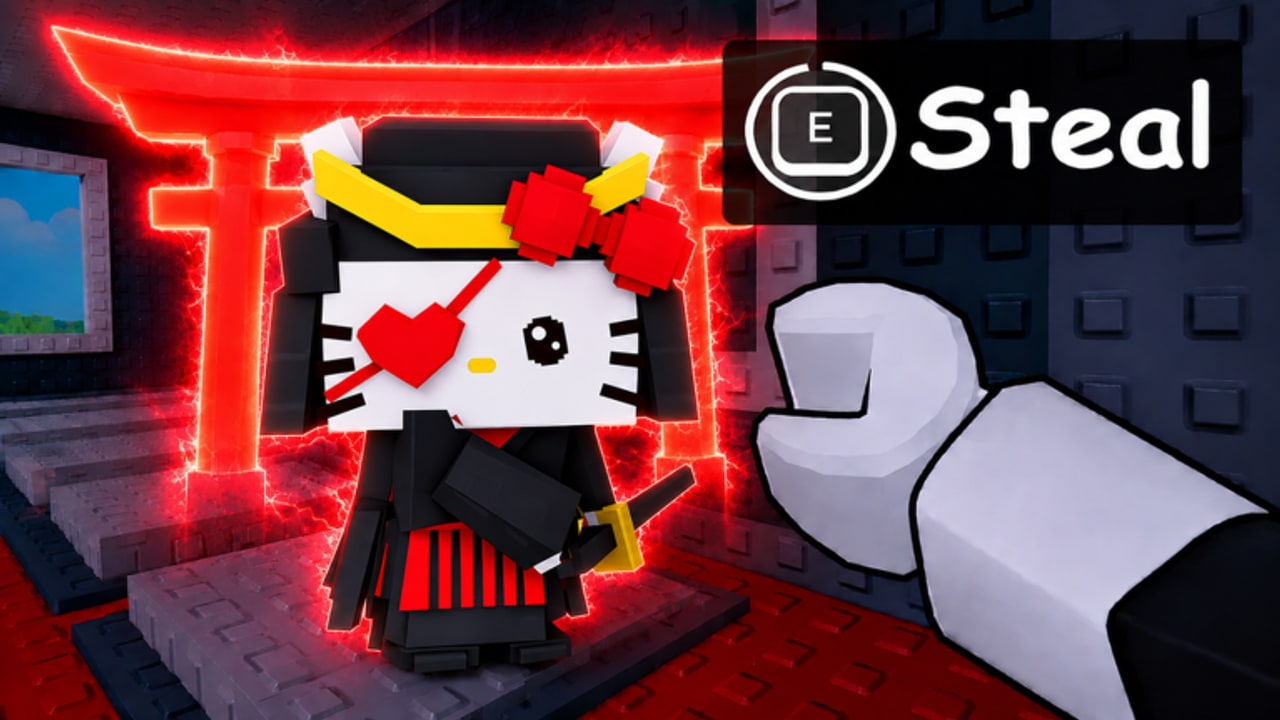
Private servers in Dont Wake the Kitty let you play with up to five people you actually know. No randoms stealing your mythic pad, no giant wakes during a countdown, and no one raiding your base while you read a sign. This page covers how Roblox VIP servers work for this title, how to set one up, and what the limits are.
The game is online 5-player multiplayer on Roblox by default. A private server is still online — just filtered to people you invite.
What a private server gives you
- A 5-player room you control
- No random raids during Admin Abuse windows
- Consistent spawn patterns for practice
- No competition for legendary countdown boards
- The same plot, pad, and kitty mechanics as public servers
What it does not give you: offline play, extra slots beyond five players, or immunity from your own friends waking giants. A private server is not a solo sandbox.
How to rent a VIP server
- Open Dont Wake the Kitty on Roblox
- Click the menu (three lines or similar in the top-left)
- Look for “Private Server” or “VIP Server”
- Select “Create Private Server” or “Rent a Server”
- Choose a duration (Robux cost varies by length)
- Confirm the purchase through Roblox checkout
- You receive an invite link to share
Roblox manages server access through that link. Anyone with the link can join until you close the session or the rental expires.
How to invite friends
Share the private server invite link from the menu. Friends must have the link — they cannot search for your specific room by name in this title. The link is personal to your rental session.
Roblox friends who are also online can be invited directly through the friends panel if the UI supports it. Otherwise, paste the link in Discord, group chat, or wherever your squad communicates.
What to do in a private server
Practice runs. Walk the map without pressure. Test escape vectors, grappler lines, and board timings without someone stealing the mythic you were about to grab.
Learn the grappler. Fire hooks at your own roof without anyone watching. Missed hooks do not cost a contested carry.
Countdown board study. Time the legendary and mythic boards. Figure out which corner of the plaza gives you the cleanest exit.
Mythic hunt without competition. During what would be an Admin Abuse window, you and four friends can run the spawn timers without fighting over the pad.
Limits and frustrations
- You cannot pause. Other players in the room can still wake giants.
- A friend who joins late gets a fresh spawn — they do not inherit your plot.
- Plot contents persist per account across servers, not per session.
- Rentals expire. If you want a permanent room, Roblox does not offer one for UGC experiences in the same way official games do.
- The 5-player cap stays. You cannot squeeze in a sixth friend.
Private server versus public server
Public servers mean competition: board spawns, raidable pads, and the energy of a full 5-player lobby during Admin Abuse. Private servers mean control: you choose who is there, you set the pace, and you can pause mid-countdown to explain the spawn colors to someone who has not read the guide yet.
If you are teaching a friend the getting started loop, a private server removes the “someone stole my first Common” frustration that makes beginners quit.
Pair with other guides
Private servers are the controlled environment for practicing every guide on this wiki:
- Getting started — learn without randoms
- How to steal — practice approach angles
- How to escape — run the drill without pressure
- Grappler — miss in private, succeed in public
- Map and spawns — read boards without someone stealing the pad
Rent the server when you want to learn. Leave when you want the chaos. The upgrade planner and codes hub still apply in private — the only difference is who is standing next to you when the board beeps.
Frequently Asked Questions
Quick answers for stealth runs, steals, and base defense.
How do I rent a private server in Dont Wake the Kitty?
Open the in-game menu, find Private Server or VIP Server, choose Create or Rent, pick a duration, and pay in Robux through the Roblox checkout.
Can I invite specific friends to a private server?
Yes. Share the invite link from the menu. Friends with the link can join until the rental expires.
Are private servers permanent?
No. You rent them for a set duration. They expire when the rental ends. Roblox does not currently offer permanent private servers for this UGC experience.
Do plot pads carry over between private and public servers?
Plot contents follow your account, not the server. Your mythic on a locked back pad exists whether you are in a private room or a public lobby.