
Dont Wake the Kitty Controls
PC, mobile, and gamepad binds for steal, sprint, grappler, and plot menus.
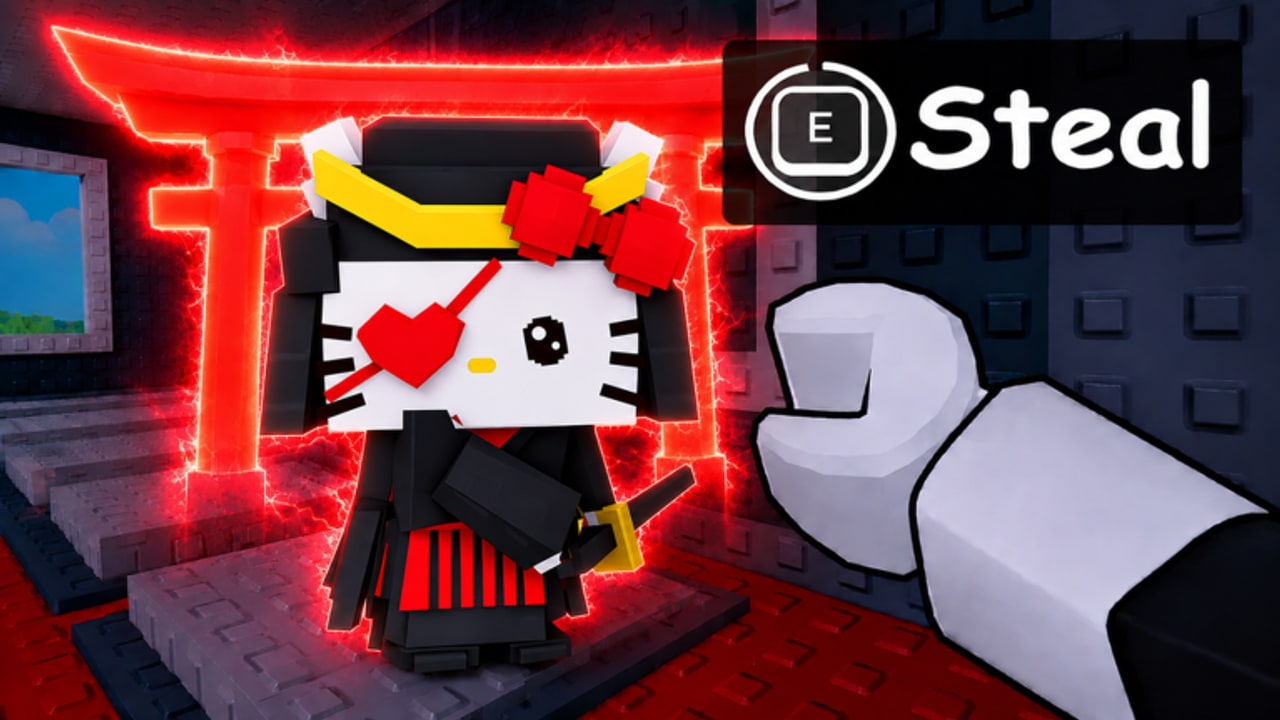
Controls in Dont Wake the Kitty are Roblox defaults plus a greedy proximity prompt. Most failed steals on mobile are not “you woke the kitty” — they are jump winning the thumb war against Steal. This page is the bind sheet. Tactics live in how to steal and how to escape.
PC (keyboard and mouse)
- WASD — move. Stop sprinting the last steps of a steal.
- Shift — sprint (depending on your Roblox shift-lock settings).
- Space — jump. Do not jump on the prompt unless you need a ledge.
- E (or the on-screen key) — Steal / interact. Hold, do not tap, on laggy five-player servers.
- 1–9 / click — tools: grappler, slap, coil if owned.
- Right mouse — camera. Keep the giant in frame while you back away so you see the wake.
- Esc — Roblox menu, not Rewards. Codes are in the in-game Rewards panel (how to redeem).
Shift-lock helps for camera during a chase and hurts when you need to look at a pad sign. Toggle it off for upgrades, on for escapes.
Mobile (touch)
- Thumb stick left, jump right, Steal as a dynamic prompt near the kitty.
- The Steal button can sit on top of jump. Shuffle your thumb lower before a grab, or rotate to landscape so the prompt has room.
- Pinch camera up so giants are visible over your stick.
- Do not open Index mid-carry; the full-screen UI drops movement and you will wake the map while reading a bow description.
- Grappler on touch is aim + fire. Aim at rooftops toward home, not at the giant.
If Steal never appears, you are too far or another player is in the prompt. Walk closer without entering the giant’s foot radius.
Gamepad
- Left stick move, A/cross jump, X/square or the on-screen interact for Steal (varies by Roblox gamepad map).
- Use the radial for tools. Pre-select grappler before you enter the plaza.
- Dead zones: if you drift into a giant while “standing still,” raise dead zone in Roblox settings.
Plot UI
Index, Upgrades, Rewards, Settings are on-screen buttons, not keyboard F-keys. Click the pad sign to upgrade a specific kitty — that is not the same as the Upgrades menu. The upgrade planner assumes you can hit that sign without jumping off the plot.
Lock prompts appear on the plot. Confirm you are locking yours, not paying to steal someone else’s.
Settings that matter
- Graphics: lower if chases hitch. A frozen camera is a wake.
- Volume: hear other players’ tools.
- Privacy: friends-only server if you only wanted to learn with a squad (still 5-player online, just filtered).
Practice binds
On an empty pad at home, practice: pull grappler, put it away, open Rewards, close it, touch the upgrade sign. Then go steal a Common. The stealth checklist includes “tool pre-selected.”
If a patch remaps interact, check changelog. We will not pretend a custom keybind menu exists if the experience still uses Roblox defaults.
Good controls do not make you quiet. They make the Steal prompt fire on the first hold so you can leave before the Z’s stop.
Frequently Asked Questions
Quick answers for stealth runs, steals, and base defense.
Why do I jump instead of stealing on mobile?
The Steal prompt overlaps jump. Slide your thumb, use landscape, and hold the prompt instead of tapping.
What is the PC steal key?
Usually E or whatever Roblox shows on the proximity prompt. Hold it until the kitty is in hand.
How do I equip the grappler?
Number keys on PC, hotbar on mobile, radial on gamepad. Equip before you enter the giant’s lane.
Where are codes on a controller?
Highlight Rewards in the HUD, paste or type in the box. Full path on how to redeem.